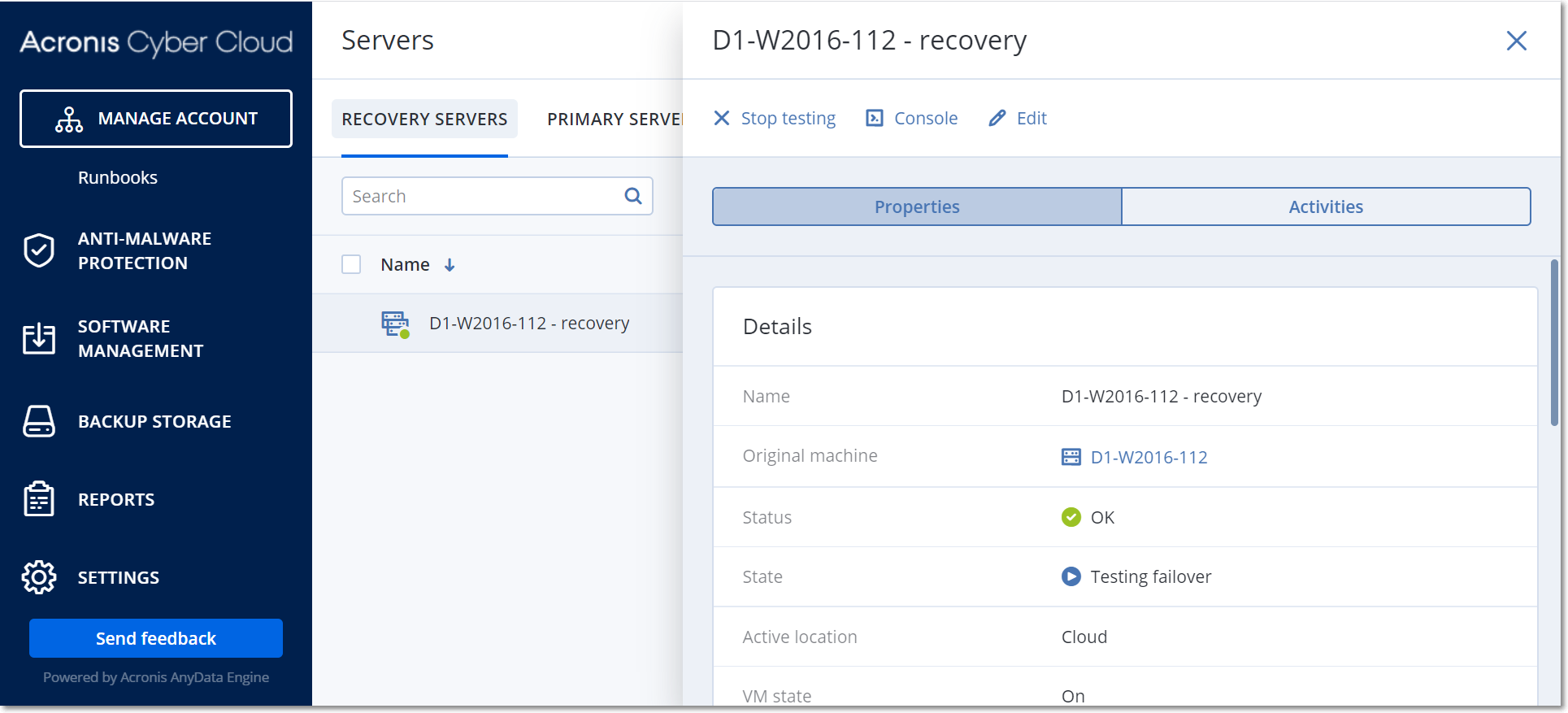
Testing a failover means starting a recovery server in a test VLAN that is isolated from your production network. You can test several recovery servers at a time in order to check their interaction. In the test network, the servers communicate using their production IP addresses, but they cannot initiate TCP or UDP connections to the machines in your local network.
Though testing a failover is optional, we recommend that you make it a regular process with a frequency that you find adequate in terms of cost and safety. A good practice is creating a runbook – a set of instructions describing how to spin up the production environment in the cloud.
To run a test failover
Select the original machine or select the recovery server that you want to test.
Click Disaster Recovery.
The description of the recovery server opens.
Click Failover.
Select the failover type Test failover.
Select the recovery point, and then click Test failover.
When the recovery server starts, its state changes to Testing failover.
Test the recovery server by using any of the following methods:
In Disaster Recovery > Servers, select the recovery server, and then click Console.
Connect to the recovery server by using RDP or SSH, and the test IP address that you specified when creating the recovery server. Try the connection from both inside and outside the production network (as described in "Point-to-site connection").
Run a script within the recovery server.
The script may check the login screen, whether applications are started, the Internet connection, and the ability of other machines to connect to the recovery server.
If the recovery server has access to the Internet and a public IP address, you may want to use TeamViewer.
When the test is complete, click Stop testing.
The recovery server is stopped. All changes made to the recovery server during the test failover are not preserved.